A useful food diary starts with a routine you can repeat. It does not need a detailed account of every ingredient on your first day. Start with one meal, record what you know, and make the next entry a little easier.
The aim is a record you can understand later: what you ate, how much, and which day it belongs to. InstantFork gives you two starting points—reviewing a meal photo estimate or entering nutrition values you already have.
Make the first entry easy to repeat
Choose a moment connected to something you already do, such as putting your plate down or clearing it away. A photo before eating can help you remember the meal when you have time to review it. For packaged food, keep the nutrition label available until you have checked the amount.
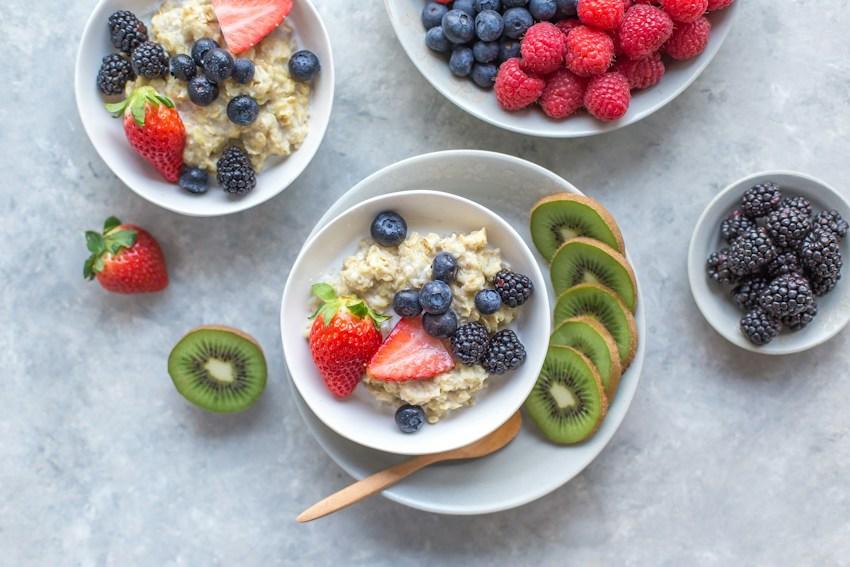
Begin with a meal you often remember clearly. A recognizable name such as ‘oats with yogurt’ is more useful when you return to the diary than a generic ‘breakfast.’ Include sauces, drinks, or additions when you know they were part of the meal.
Use the information you have
A photo scan is a convenient first estimate for a mixed plate. Review the detected foods, portion, and nutrition before saving. When you have values from a package or a recipe calculation, a manual meal entry lets you record those known values instead.
For a nutrition label, first check whether the figures describe one serving or the entire package. The FDA explains that the labeled serving size describes an amount people typically consume; it is not a recommendation for how much you should eat. Match your entry to the amount you actually had.
Give the meal a clear place in your diary
Check the selected diary date before you begin and again before saving. This matters when you are adding yesterday’s dinner while looking at today’s dashboard. Choose the meal category that makes the record easiest for you to find.
Save each meal once. If you enter a meal manually after reviewing a scan of the same plate, check whether you have already saved that scan. Two entries for one meal would make the daily totals harder to interpret. Review the saved meal while the details are still familiar.
- Check the date and meal category.
- Use a name you will recognize later.
- Confirm the portion and avoid a duplicate entry.
Read the day with its missing pieces in mind
At the end of the day, check whether your diary includes the meals you meant to record. A low logged total may simply mean that lunch is missing. An empty day does not establish that you ate nothing, and an AI guide cannot recover meals that were never saved.
InstantFork’s progress compares logged values with the goals in your profile. Review those settings rather than assuming the starting values describe your personal needs. You can ask the diary guide about your saved entries, while remembering that its replies are general food information.
Keep the routine small enough to restart after a missed day. Your next useful step can be one clear entry, followed by a quick review of its date and portion. You do not need to reconstruct an entire week before using the diary again.
Sources and editorial note
Written by InstantFork. Practical app guidance is based on the current logging workflow. The references below support the nutrition or food storage information in this article.
- Serving Size on the Nutrition Facts Label U.S. Food and Drug Administration
General food information. Review AI estimates before saving; this article does not provide medical advice or allergy verification.