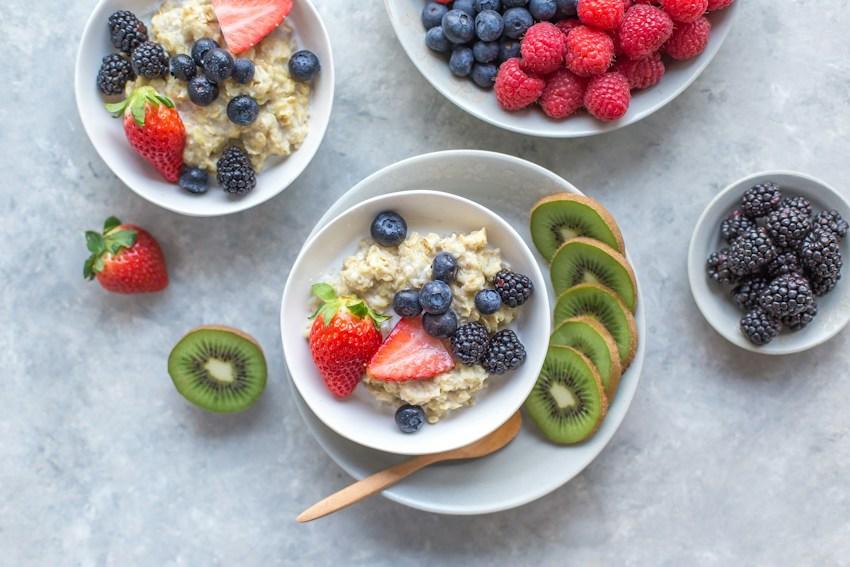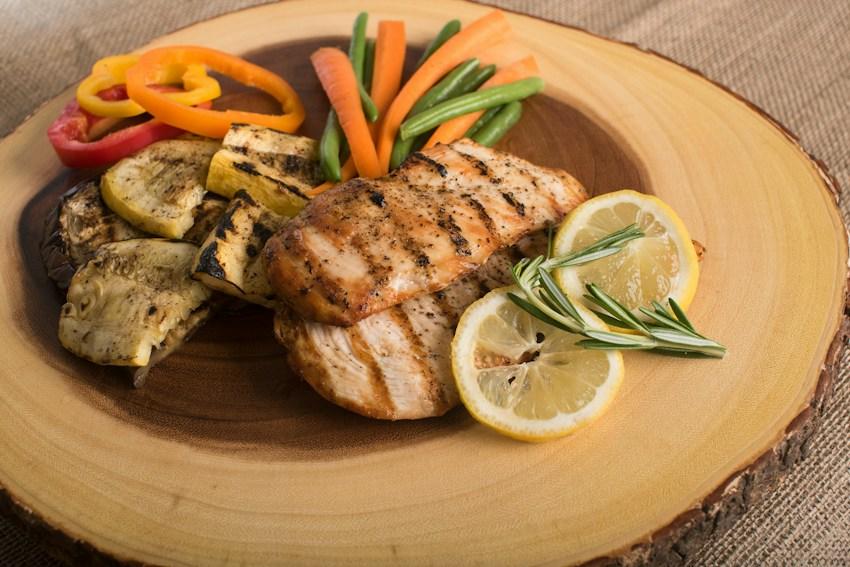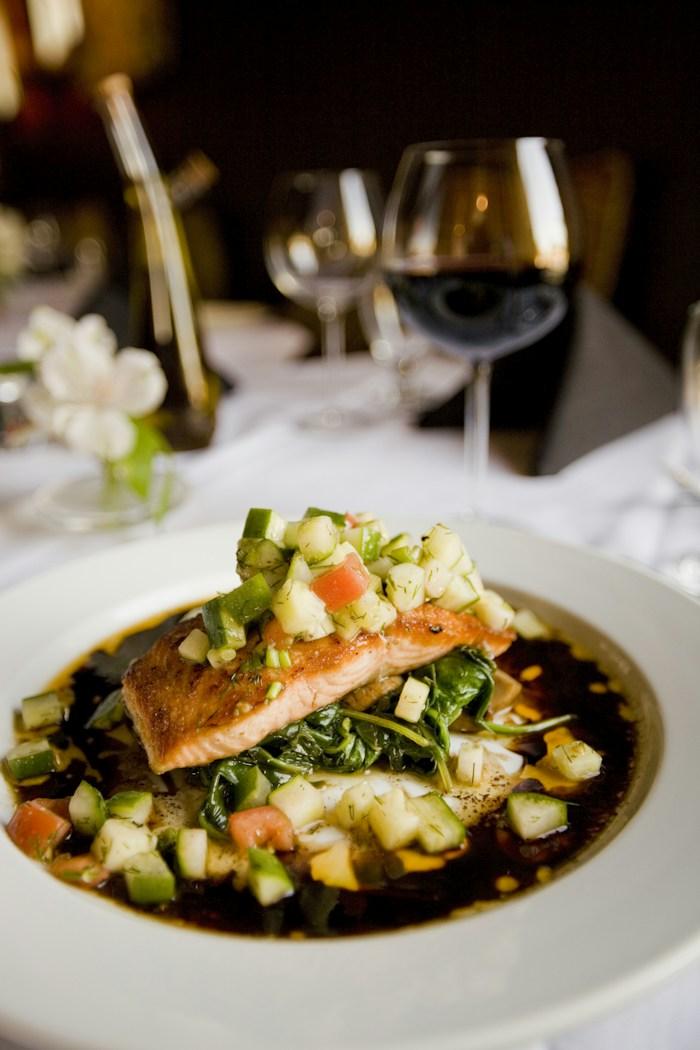
A meal photo can give you a quick starting point for calorie and macro estimates. The useful part of the process comes after the image: checking whether the result describes your food and your portion.
InstantFork shows a scan for review before it becomes a saved meal. Use that pause to compare the estimate with what you know about the plate. A photo estimate remains an estimate after you save it.
Give the image useful context
Take a clear photo with the whole plate in view. Avoid covering part of the food with a hand or placing another meal in the frame. Check the preview so you know which image you are submitting. You can use a camera photo or upload an existing image.
A picture does not provide a weighed ingredient list. Cooking oil, dressing mixed through a salad, a filling under bread, and the contents of a sauce may be difficult to determine visually. Keep those details in mind when reviewing the result, even when the visible food looks correctly identified.
Read the identified foods first
Start with the detected food names. Does the result describe the main parts of the meal? If an important ingredient is missing or a food has been mistaken for something else, the total needs a closer review. A plausible-looking number alone does not confirm that the food list is right.
Treat the scan’s confidence as a guide when reviewing the estimate. It does not guarantee calorie accuracy. Consider it alongside the visible foods and the information you have. Do not use a photo scan to verify allergens or identify whether a dish is safe for a dietary restriction.
Check what the portion adjustment changes
Compare the suggested portion with what you actually ate. InstantFork’s scan review can scale the serving estimate before saving. That adjustment scales the estimated meal together; it cannot establish the exact weight of each ingredient in the picture.
If you know that only the rice portion was different, scaling the entire meal also changes the estimated protein and vegetables. When you have a reliable label or a calculation for your specific meal, consider a manual entry using those values. Keep the entry method consistent with the information available.
Packaged food offers a useful cross-check. Nutrition labels often describe one serving, while a package may contain more. The FDA explains that eating two labeled servings doubles the listed calories and nutrients. Compare quantities on the same basis before deciding what to enter.
Finish with the meal name and diary date
Use a meal name that will make sense when you revisit the diary. Check the date and meal category before saving, particularly when logging a photo taken on an earlier day. The saved meal contributes to the totals for that selected date.
After saving, look at the diary entry once to confirm that it appears where you expected. If you also make a manual entry for the same meal, avoid keeping both as separate records of one plate. Review is a small step, but it helps keep a convenient photo workflow connected to a diary you can understand.
Sources and editorial note
Written by InstantFork. Practical app guidance is based on the current logging workflow. The references below support the nutrition or food storage information in this article.
- Serving Size on the Nutrition Facts Label U.S. Food and Drug Administration
General food information. Review AI estimates before saving; this article does not provide medical advice or allergy verification.