Water logging is easier when you know what one entry means. A tap after finishing a glass can be a useful routine; a collection of taps with no clear volume is harder to interpret later.
Start with a familiar glass or bottle and a simple rule for when you record it. In InstantFork, one logged glass represents 250 milliliters. That gives you a consistent unit for reviewing the water you choose to track.
Start with a glass or bottle you recognize
Check the volume marked on a reusable bottle, or measure your usual glass once. A 500-milliliter bottle corresponds to two of InstantFork’s 250-milliliter glasses. A 750-milliliter bottle corresponds to three. These are unit conversions, not suggested drinking amounts.
If your usual container is a different size, decide how you will keep track of finished 250-milliliter amounts. You can leave a partly finished bottle unrecorded until the amount is clear. Keeping a consistent rule is more useful than changing what a ‘glass’ means from one day to the next.
Connect the entry to a finished amount
Choose one moment for recording water, such as when you finish the glass or refill an empty bottle. Recording both the refill and the later empty bottle would count the same amount twice. Keep the bottle near a routine you already remember, if that makes the record easier to maintain.
Check the selected diary date before adding water. If you are reviewing yesterday’s meals, return to today before recording a glass you have just finished. The water count belongs to the date shown in the diary, just as a saved meal does.
Know what your water total includes
The water counter is a record of the glasses you log. It is not a complete measurement of every source of fluid in your day. The CDC explains that water also comes from other beverages and foods, and that needs vary with factors including age, activity, pregnancy, and breastfeeding.
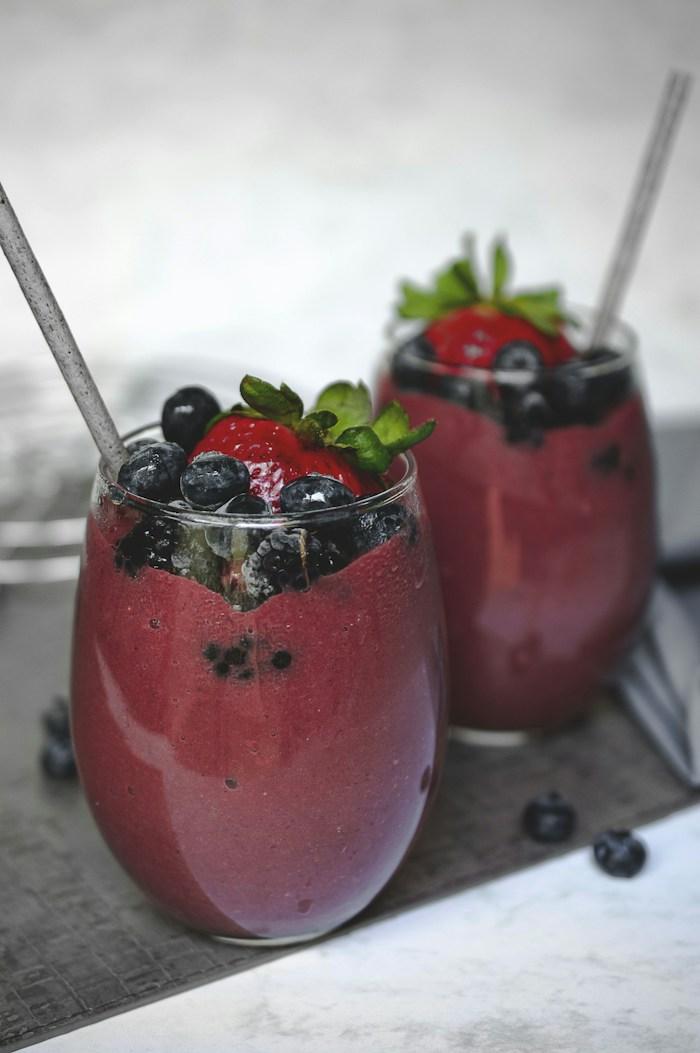
If you drink a smoothie or another beverage that has nutrition values you want in the diary, record those values as a meal entry. The water counter itself does not add a drink’s calories or macros. Keep your own convention clear rather than counting a drink in different ways without noticing.
Review your routine before drawing conclusions
At the end of the day, first ask whether the log is complete. A zero count may mean that you forgot to record water. It does not prove that you consumed no fluids. The same care applies when comparing several days: missing records can look like changes in your routine.
InstantFork lets you review the water goal in your profile. Treat the app’s starting value as a setting to review, rather than a personal fluid prescription. If you have been given individual fluid instructions, use those instructions instead of interpreting an app progress indicator as medical advice.
The simplest next step is to choose one container, one logging moment, and one consistent unit. Review that small routine after a few days before adding more detail.
Sources and editorial note
Written by InstantFork. Practical app guidance is based on the current logging workflow. The references below support the nutrition or food storage information in this article.
- About Water and Healthier Drinks Centers for Disease Control and Prevention
General food information. Review AI estimates before saving; this article does not provide medical advice or allergy verification.